


Quick Answer
You track all freight shipments from one dashboard by moving your bookings onto a single digital freight management dashboard that ingests carrier data, standardizes statuses, and sends automated alerts for every pickup, transit event, and delivery. A unified platform like Truxweb pulls updates from multiple LTL carriers into one screen, so you stop logging into separate portals or chasing dispatchers by phone.
Introduction
Most small and medium-sized shippers in Ontario and Quebec are still tracking freight the hard way: one tab per carrier, a folder of PRO numbers, and a group inbox that only gets checked when a customer complains. That approach falls apart the moment you book with more than two carriers a week, because every portal has its own login, its own status labels, and its own delay before an event actually shows up. Centralized freight shipment tracking fixes that by treating every shipment as a row in the same table, regardless of who is hauling it. For LTL shippers moving between one and eight pallets at a time, the shift is less about fancy software and more about eliminating the twenty small tasks that eat an hour of every day. The rest of this guide walks through what a proper dashboard actually shows you, how to set one up, and where the savings show up in a Canadian LTL operation.
Key Takeaways:
A single dashboard replaces multiple carrier portals with one normalized view of every LTL shipment in motion.
Automated alerts and real-time status updates turn tracking from a manual chore into an exception-based workflow.
Consolidated tracking works best when paired with carrier vetting, in-platform chat, and unified billing across Ontario and Quebec lanes.
Why Fragmented Freight Tracking Costs You More Than Time
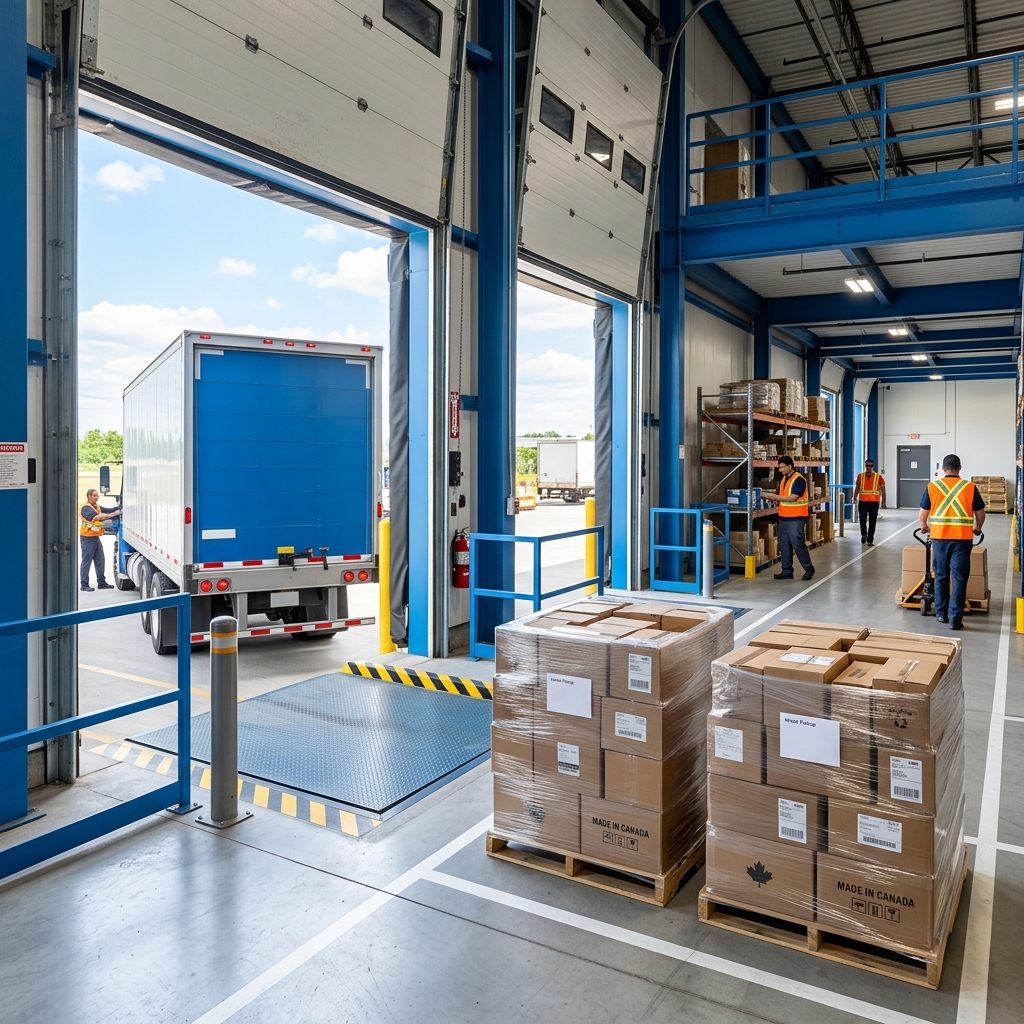
Fragmented tracking is the default state of LTL shipping, and it is quietly expensive. When a coordinator has to check five carrier portals to answer one customer question, that is five logins, five different status vocabularies, and five chances to miss an exception that already happened hours ago. The cost is not just the coordinator's time. It is the delayed customer callback, the missed appointment window, and the invoice dispute that could have been prevented if someone had seen the status change in time.
The hidden workload of multi-carrier LTL
A shipper moving one to eight pallets a week rarely sticks with a single carrier. Rates, lane coverage, and equipment availability push most SMBs to spread volume across three to six carriers depending on the destination. That is healthy for pricing but brutal for visibility, because each carrier reports events on its own schedule and formats them differently. What one calls "out for delivery" another calls "on vehicle for delivery," and a third simply updates the ETA without any status change at all. Standardizing that noise is the first job of a proper freight visibility tools layer.
Where the friction actually shows up
The pain of fragmented tracking clusters in a few predictable places. Recognizing them is the fastest way to justify moving to a centralized dashboard.
Customer service: Reps interrupt operations every time a buyer asks where a pallet is, because status lives in a portal the rep does not have access to.
Exception handling: A missed pickup or reweigh is discovered a day late, after the carrier's cutoff to dispute the charge.
Appointment scheduling: Delivery windows are booked against stale ETAs, so drivers arrive outside the window and get turned away.
Reporting: On-time performance by carrier and lane cannot be measured without exporting five different spreadsheets.
Billing reconciliation: Accessorial charges appear on invoices with no matching event in any portal, and disputes stall.
Canadian shippers face an added wrinkle: cross-provincial LTL between Ontario and Quebec often involves a linehaul carrier plus a partner for final delivery, which means the tracking chain can break at the interline. Statistics Canada's transportation data hub is a useful reference for understanding how the domestic trucking sector is structured, and why interline handoffs are a real operational risk rather than an edge case.
What a Modern Freight Tracking Dashboard Actually Includes
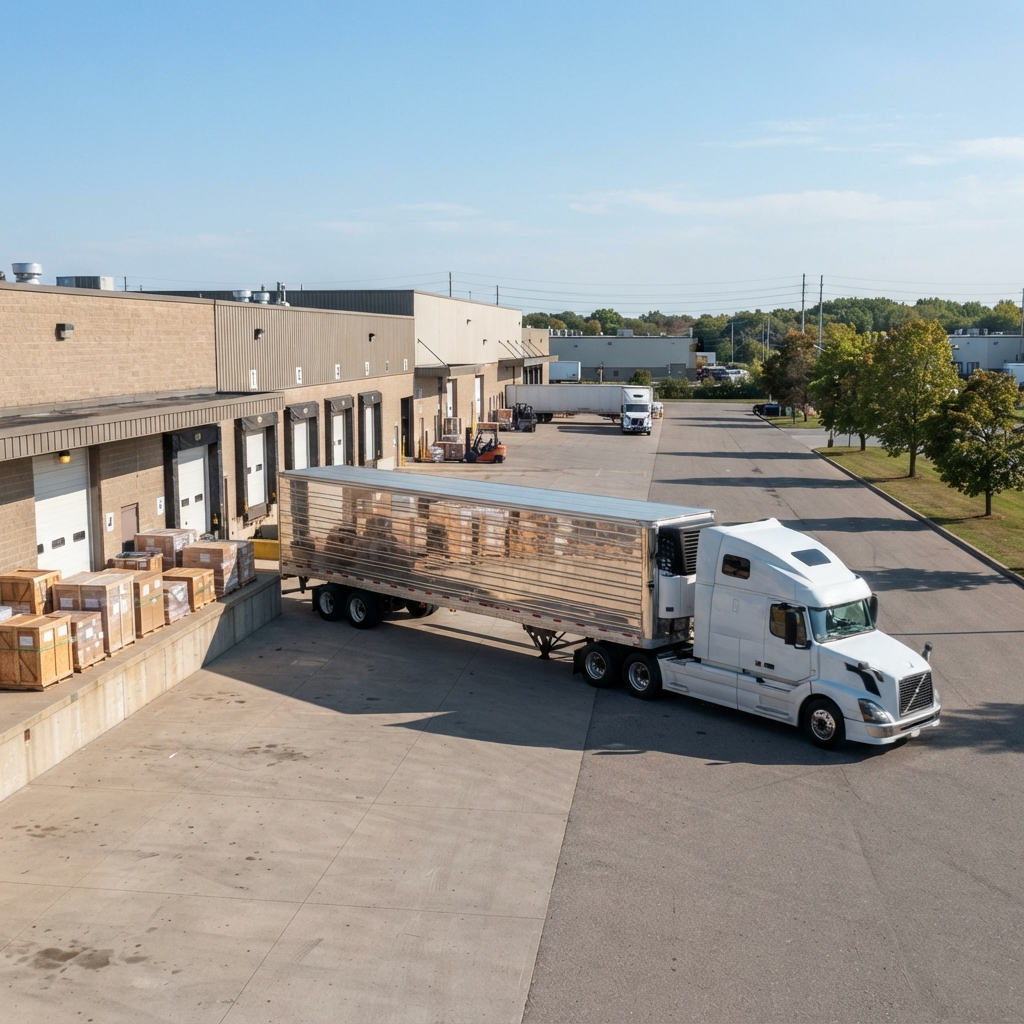
A dashboard is not just a list of shipments with statuses beside them. A modern LTL freight tracking dashboard is a workflow surface: it consolidates events, surfaces exceptions, and lets you act without leaving the screen. If a tool only mirrors what the carrier portal already shows, it has not solved the fragmentation problem.
The core capabilities to look for
When evaluating platforms, the feature set matters less than how those features fit together. The dashboard should answer three questions at a glance: what is on time, what is at risk, and what needs a human. The specific capabilities that make that possible tend to overlap across serious platforms.
Real-time status normalization: Every carrier's event feed is mapped to a common status vocabulary so a "picked up" event means the same thing regardless of who moved the pallet.
Automated shipment status alerts: Email or in-platform notifications fire on dispatch, pickup, in transit, out for delivery, and delivered, plus any exception like a missed pickup or address issue.
In-platform carrier chat: A message thread tied to the PRO number replaces the phone tag between your coordinator and the carrier's dispatch desk.
Document capture: Bills of lading, proofs of delivery, and reweigh certificates attach directly to the shipment record for later dispute or audit.
Filter and export: You can slice shipments by carrier, lane, status, or date range without stitching together portal exports.
Why real-time updates only matter when they change a decision
Real-time data is only valuable if it changes what you do. A dashboard that shows a shipment is delayed but does not prompt anyone to reschedule the receiver is just a slower version of the carrier portal. This is the argument for freight tracking decision visibility: the value of a live ETA comes from what happens in the next hour, not from the fact that the data exists. Practical decision points include reassigning a dock door, calling a customer before they call you, holding a downstream shipment until an inbound arrives, or routing the next booking away from a carrier that missed a pickup window.
How Canadian LTL specifics shape the feature list
Not every dashboard built for U.S. truckload traffic translates well to Canadian LTL. The lane geography, the mix of federally and provincially regulated carriers, and the interline handoffs between Quebec and Ontario carriers all shape what you should demand from a tracking tool. Statistics Canada's trucking statistics program collects bills of lading and waybill data from Canadian carriers, and reviewing it makes clear how varied domestic carrier operations are. A tracking dashboard that treats every carrier feed identically, without accounting for these differences, will leave gaps in your Ontario and Quebec lanes specifically. This is where Truxweb's Canadian focus matters: the platform's carrier network was built for cross-provincial LTL from day one, not retrofitted from a U.S. product.
How to Set Up Centralized Tracking in Your Operation
Moving from scattered portals to a single dashboard is not a six-month IT project. For most SMBs shipping one to eight pallets at a time, the transition takes a few weeks and mostly involves changing where bookings originate rather than migrating historical data. The sequence below reflects what typically works for Ontario and Quebec shippers switching to a platform like Truxweb.
Step 1: Audit your current shipping footprint
Before choosing a platform, write down every carrier you booked with in the last ninety days, the lanes you used them for, and how you currently track each one. Include the accessorial charges you have disputed and the ones you gave up on. This audit does two things: it shows you which carriers must be supported by the new dashboard on day one, and it quantifies the manual work you are trying to eliminate.
Step 2: Route new bookings through the dashboard
The fastest way to consolidate tracking is to consolidate booking. When quotes and bookings originate inside the dashboard, tracking is automatic because the platform already knows the PRO number, the carrier, and the expected transit. On Truxweb, quote requests go to multiple carriers simultaneously and 92% of carriers respond within 30 minutes during operating hours, which means the booking-to-tracking pipeline starts within the same session rather than the next day.
Step 3: Configure alerts around your actual workflow
Default alert settings are rarely right. A receiving clerk does not need every in-transit ping, but they do need the out-for-delivery notification the evening before. A customer service rep needs delivery confirmation the moment it happens, not in the nightly digest. Map the alert types to the person who acts on them, and turn everything else off so the signal does not get buried.
Step 4: Use in-platform chat to replace phone tag
Dispatchers respond faster to written messages tied to a specific PRO number than to voicemails. Moving carrier communication into the platform also creates a searchable record, which matters when an accessorial charge shows up two weeks later and you need to prove what was agreed. This is one of the practical benefits of real-time freight tracking paired with communication tools rather than pure visibility.
Step 5: Review carrier performance monthly
A centralized dashboard finally makes on-time performance measurable. Once you have thirty to sixty days of normalized data, sort by carrier and by lane to see who is actually delivering on the transit times they quoted. Truxweb requires carriers on the platform to maintain a minimum 95% customer satisfaction rating with daily compliance monitoring, which narrows the field, but your own lane-level data will still surface differences that matter for your specific shipping profile. The broader picture of end-to-end freight visibility is what turns tracking from an operational tool into a sourcing input.
Step 6: Confirm regulatory and documentation coverage
Freight tracking sits inside a regulated environment, and the dashboard should preserve the documents you may later need to produce. Bills of lading, proofs of delivery, and waybills all attach to the shipment record, which matters both for internal audits and for compliance with federal transportation rules. The Canada Shipping Act and its associated regulations sit alongside provincial trucking rules, and a dashboard that keeps documentation attached to each shipment makes it easier to respond to any inquiry without hunting through email threads. Ask any platform you evaluate how long documents are retained and whether they can be exported in bulk.
Conclusion
Tracking every LTL shipment from one dashboard is less about technology and more about eliminating the daily fragmentation that quietly drains your operations team. Once bookings, statuses, alerts, chat, and documents live in the same place, tracking stops being a task and becomes an exception queue you work through in minutes. For Canadian SMBs shipping one to eight pallets across Ontario and Quebec, the payoff shows up in fewer missed pickups, faster customer answers, and cleaner invoice reconciliation. The right platform will match your carrier mix, your lane geography, and your team's actual workflow, not the other way around.
Ready to see every shipment in one place instead of five portals? Start centralizing your freight tracking with Truxweb and get real-time LTL visibility built for Ontario and Quebec shippers.
Frequently Asked Questions (FAQs)
How do I track LTL freight shipments across multiple carriers?
Tracking LTL freight shipments across multiple carriers works best when you route bookings through a single digital freight platform that ingests each carrier's event feed and normalizes the statuses into one view, so you stop logging into separate portals to check on shipments that were booked the same week.
Why is my freight shipment delayed even though the status has not changed?
A freight shipment is often delayed before the carrier's system reflects it, because status updates depend on driver scans, terminal check-ins, or interline handoffs that lag the actual event, which is exactly why a dashboard with automated alerts and a direct chat line to dispatch surfaces problems earlier than the portal will.
Can I track my cargo in real-time across Ontario and Quebec lanes?
Yes, real-time cargo tracking across Ontario and Quebec is available on modern LTL platforms that support the Canadian carriers running those lanes, provided the platform normalizes each carrier's event feed and includes coverage for the interline partners that often handle final delivery on cross-provincial moves.
Is it possible to track multiple shipments in one place if I use different carriers each week?
Tracking multiple shipments in one place is possible regardless of how often you switch carriers, because a proper freight management dashboard connects to a broad carrier network and creates a single shipment record for every booking, so your team never has to learn a new portal just to answer a where-is-my-order question.
How does centralized LTL tracking improve supply chain efficiency for small businesses?
Centralized LTL tracking improves supply chain efficiency by turning tracking from a manual polling exercise into an exception-based workflow, which frees coordinators to focus on the shipments that need intervention and gives management the lane and carrier performance data needed to make better sourcing decisions over time.
What is the best LTL tracking software for small businesses in Canada?
The best LTL tracking software for a Canadian small business is one built around Canadian carrier networks and cross-provincial lanes rather than retrofitted from a U.S. product, with features like real-time status normalization, automated alerts, in-platform chat, and document capture attached to each shipment record.
How can I compare shipping carriers for real-time tracking quality?
Comparing shipping carriers for real-time tracking quality is easiest inside a platform that already normalizes carrier events, because you can filter shipments by carrier and lane, review on-time performance and exception rates over thirty to sixty days, and use that data to shift volume toward the carriers whose tracking actually reflects reality.
About the Author
Daniel Park is a freight logistics analyst who covers LTL shipping, carrier performance, and supply chain operations across Ontario and Quebec. His work focuses on helping SMB logistics managers translate technical freight concepts into practical decisions about carriers, pricing, and digital freight platforms.